 Project Workspace Automator: Session SaverWindows app
Save and restore open windows in one click
Turn a cluttered desktop into named workspaces. Bring back your apps, window positions, browser tabs and folders whenever you need them.

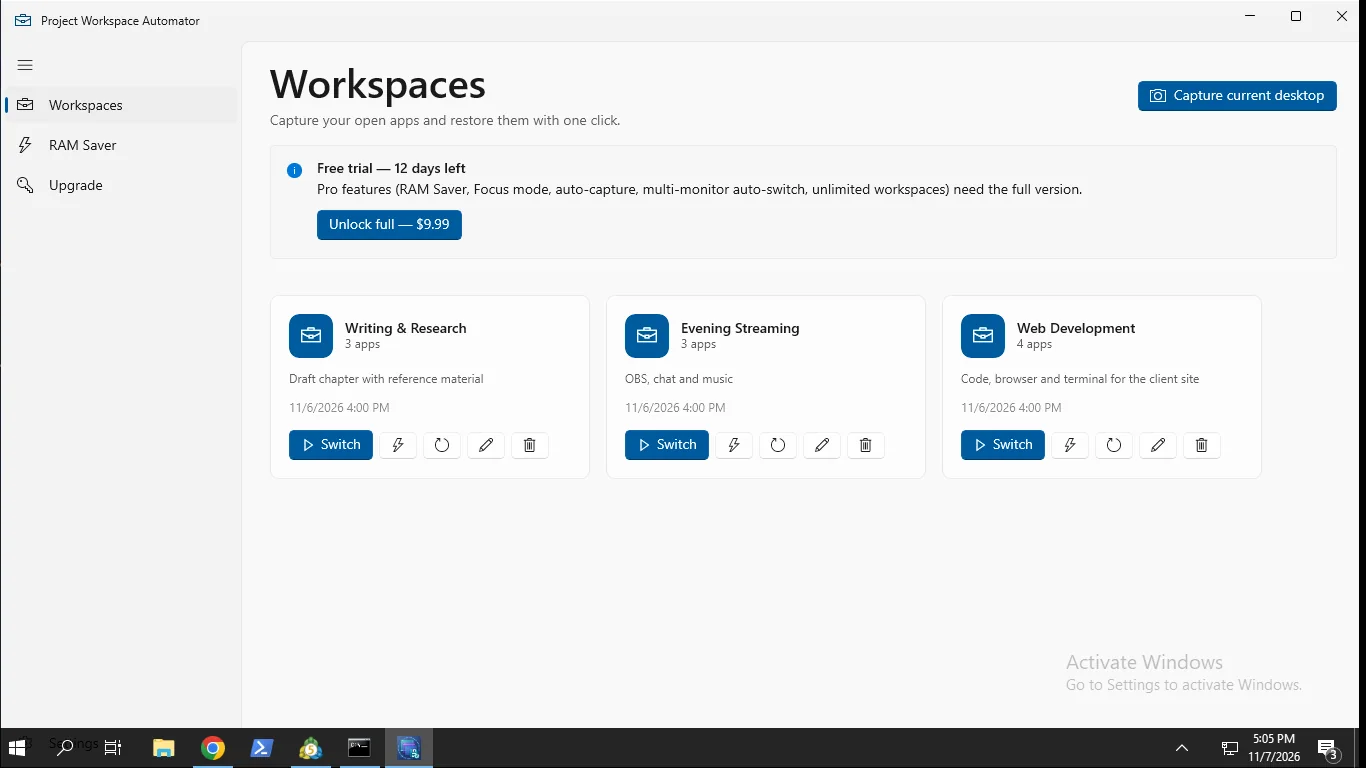
Get your exact setup back, fast
Capture your whole desktop
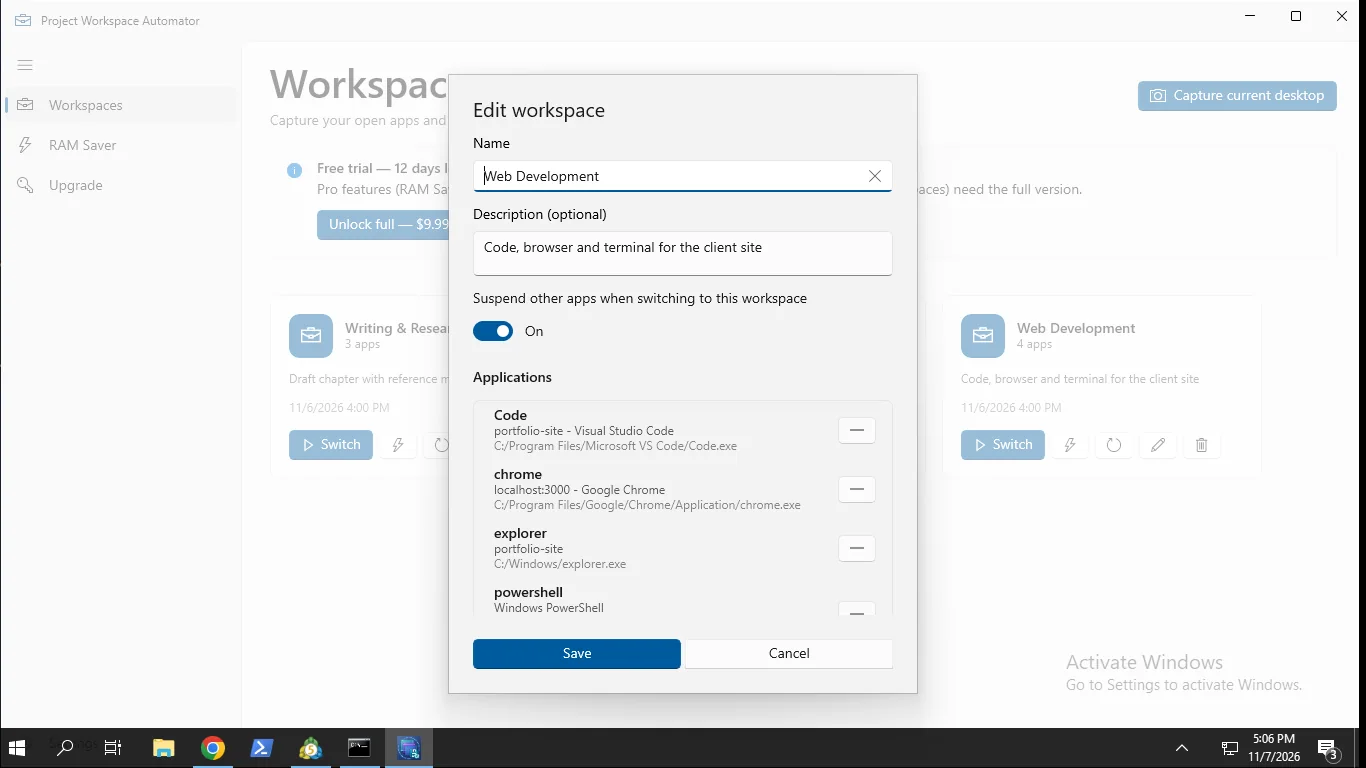
Save app windows with their size and position, browser tabs, File Explorer folders, VS Code projects, documents and Steam games.
One-click restore
Open a saved workspace and every window returns to its place. Smooth restore cuts flicker and window jump.
Deep restore for browsers and more
Reopens tabs in Chrome, Edge, Brave and Firefox, plus folders, VS Code and documents. Not just window positions.
Tray menu and global hotkey
Switch workspaces from the system tray or press Shift+` from anywhere. No need to open the main window.
Free up RAM with Pro
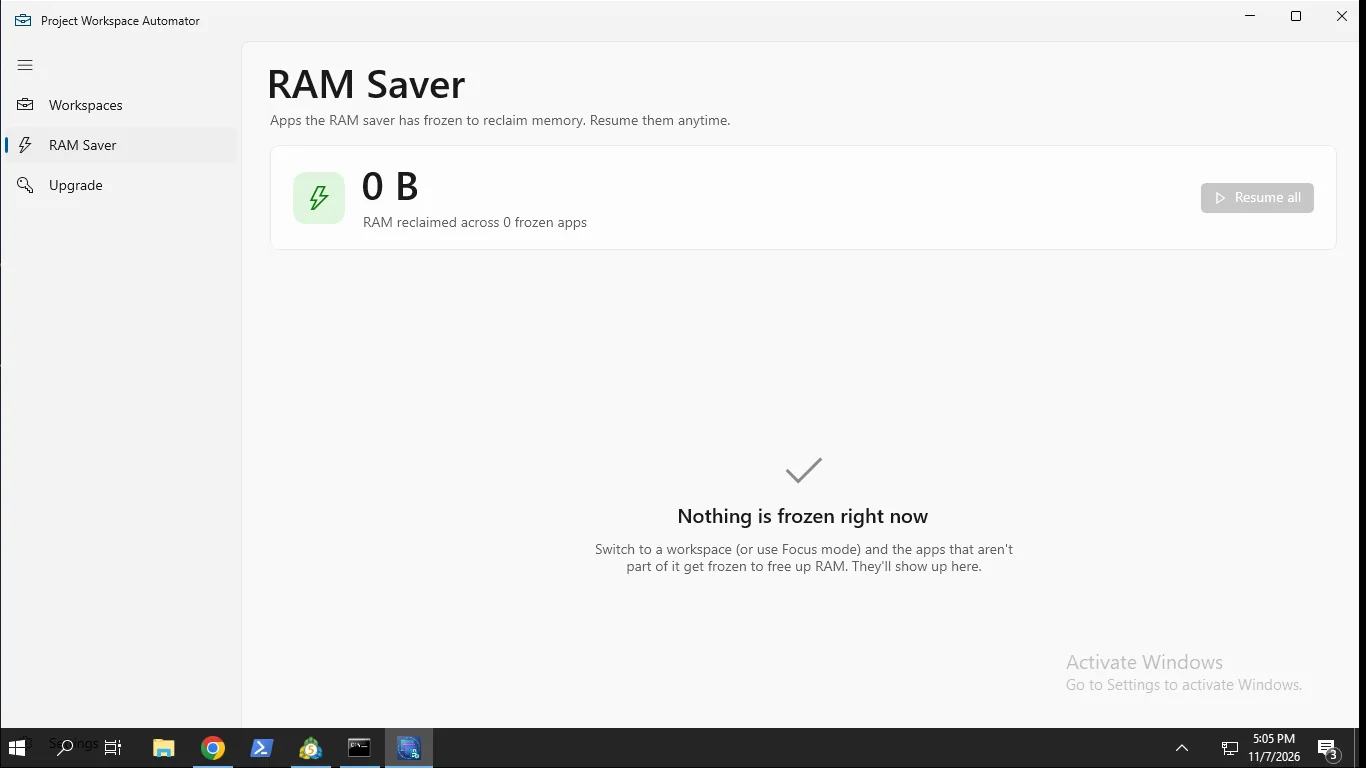
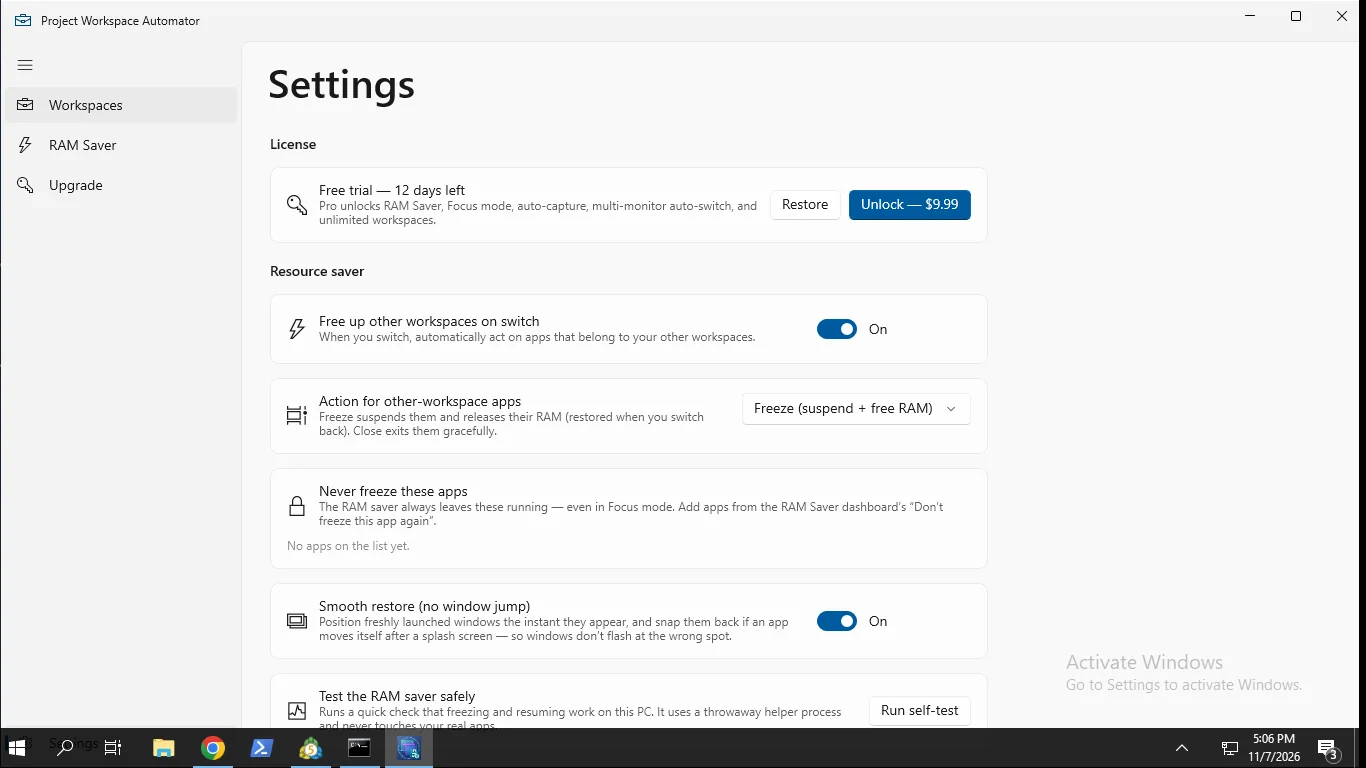
RAM Saver freezes or closes apps outside your workspace and resumes them when you switch back. A never-freeze list protects your picks.
Light, Dark and System themes
A clean Fluent interface that matches how your Windows PC looks.
How it works
- Get it from the Microsoft Store and open Session Saver.
- Arrange your apps and tabs, then capture them as a named workspace.
- Restore it from the app, the tray menu or the Shift+` hotkey.
Screenshots
Great for
Developers
Jump between projects and get your editor, terminals, docs and browser tabs back exactly as you left them.
Writers and students
Keep a workspace for each class or project, with notes, documents and research tabs ready to go.
Traders and streamers
Set up charts, chat and tools on each monitor once, then restore the layout in one click.
Unlock Pro (full version)
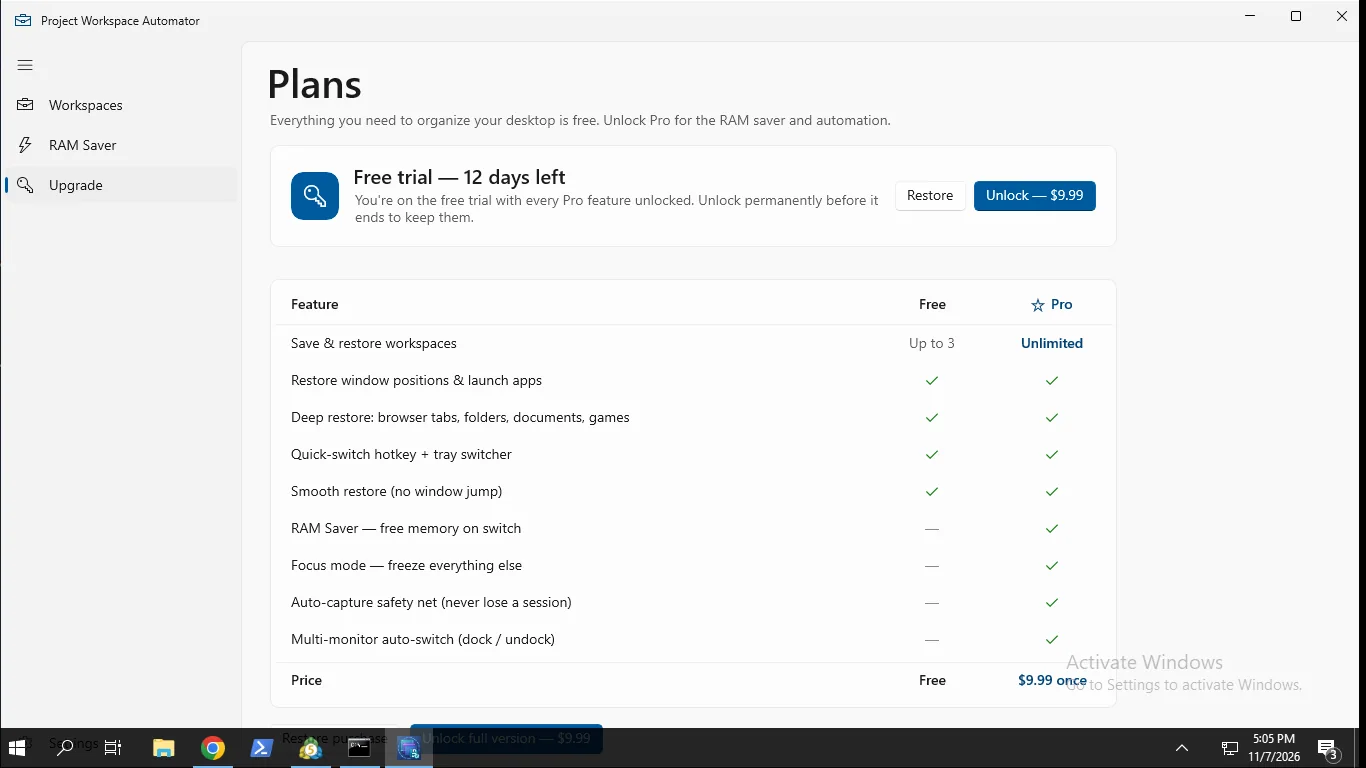
- RAM Saver: freeze or close apps outside your workspace
- Focus mode: freeze every other open app
- Auto-capture of your session in the background and at sign-out
- Multi-monitor auto-switch when you dock or undock
- Unlimited workspaces (free includes 3)
No subscription. Includes a 14-day free trial of all Pro features. The free version keeps working afterward.
FAQ
How do I save and restore open windows on Windows?
Arrange your apps, then capture them as a named workspace in Session Saver. Restore it later from the app, the tray menu or the Shift+` hotkey. Windows return to their saved size and position.
Is Project Workspace Automator: Session Saver free?
Yes. Free lets you capture and restore up to 3 workspaces. Pro is a one-time 9.99 USD unlock with no subscription, and it includes a 14-day free trial of Pro features.
Can it restore my browser tabs?
Yes, it reopens tabs in Chrome, Edge, Brave and Firefox. Capturing tabs uses a bundled Chromium extension that you load yourself. It talks only to the app on your PC.
Is it safe and private?
No account, cloud sync, ads or analytics. Workspaces are stored on your PC. The trial check sends an anonymous hashed machine ID, but no personal data or workspace contents.
How does RAM Saver work?
In Pro, switching workspaces freezes (suspends) or closes apps that are not part of it, freeing memory. They resume when you switch back. Apps on your never-freeze list stay untouched.
What do I need to run it?
A Windows PC with the Microsoft Store. It is a desktop app that needs full-trust permission to move and manage other apps' windows. The interface is English only.
Get Session Saver from the Microsoft Store