 Custom Keyboard - Remap any keyWindows app
Free key remapper for Windows: remap any key in a click
Click a key on the visual keyboard, pick what it should do, done. Remap Caps Lock, disable the Windows key, fix a broken key. No ads, no account.

Everything you need to remap your keyboard
Remap any key to any other
Turn A into B or Caps Lock into Esc. Pick any key on the keyboard and give it a new job.
Disable keys completely
Switch off Caps Lock or the Windows key so you stop hitting them by accident, even in the middle of a game.
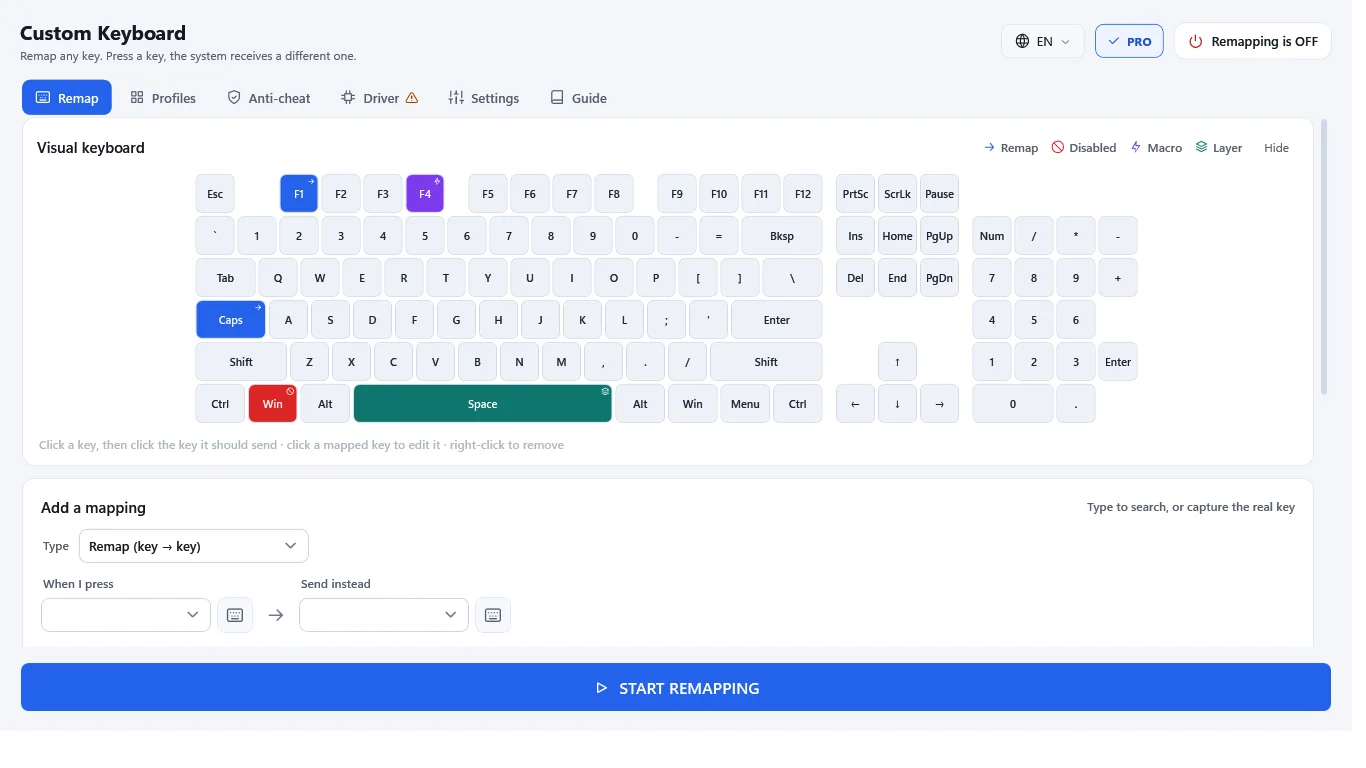
A visual keyboard, not a config file
Click a key, choose its new function. Remapped and disabled keys are color-coded so you can see your layout at a glance.
Light, quiet, starts with Windows
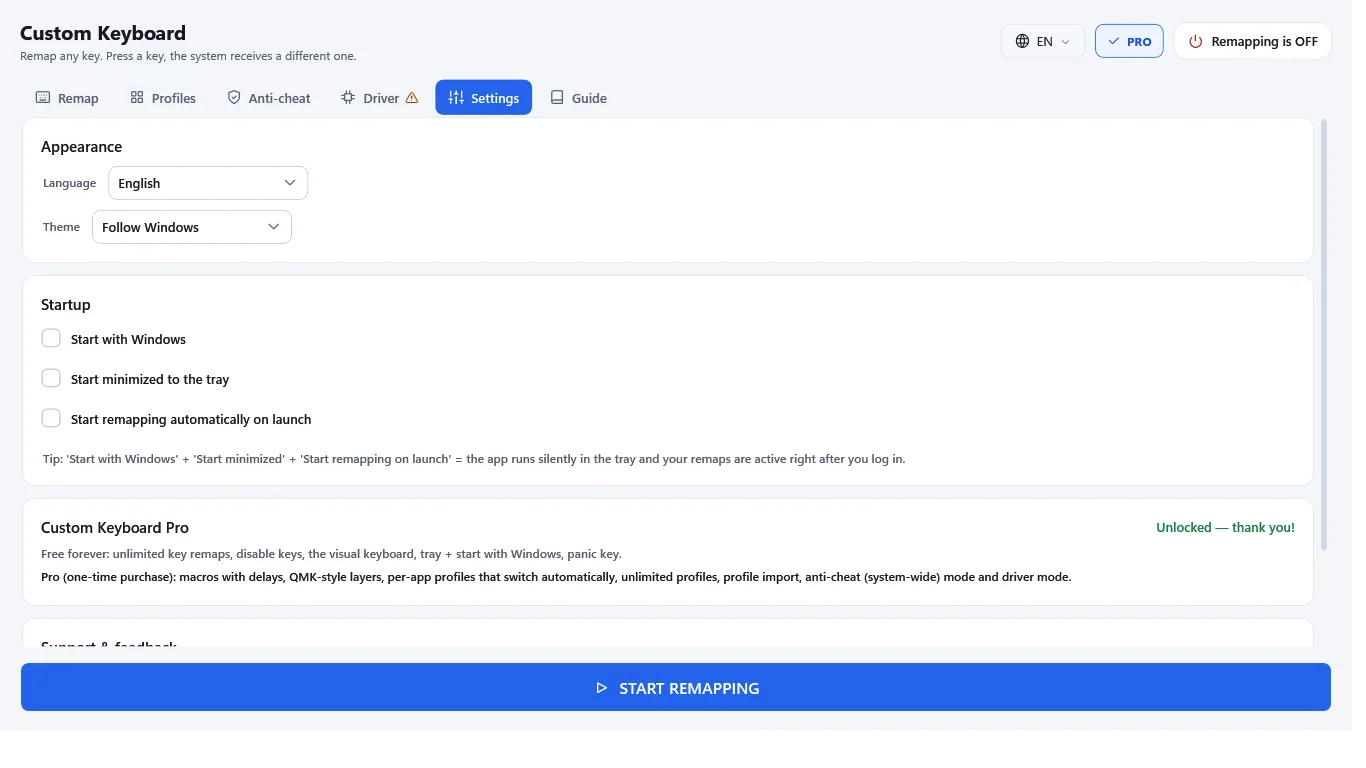
Runs in the system tray with near-zero CPU use and starts at login, so your remaps are live right away.
Panic key and profile backup
Press Ctrl+Alt+F12 to turn remapping off instantly. Export your profile to a file as a backup.
Private and in 15 languages
Keystrokes never leave your PC. No ads, no account, no analytics. The app follows your Windows language and switches without a restart.
How it works
- Get it from the Microsoft Store and open Custom Keyboard.
- Click a key on the visual keyboard and choose its new function.
- Keep it in the tray. Your remaps stay on at every login.
Screenshots
Great for
Fix a broken or missing key
Give a dead key's job to a spare one, such as a key you never use, and keep typing.
Cleaner gaming setup
Disable the Windows key during a match and set your own binds without touching game settings.
A comfier layout for work
Put Esc where Caps Lock is, or move keys you reach for most. Handy for writing and coding.
Custom Keyboard Pro
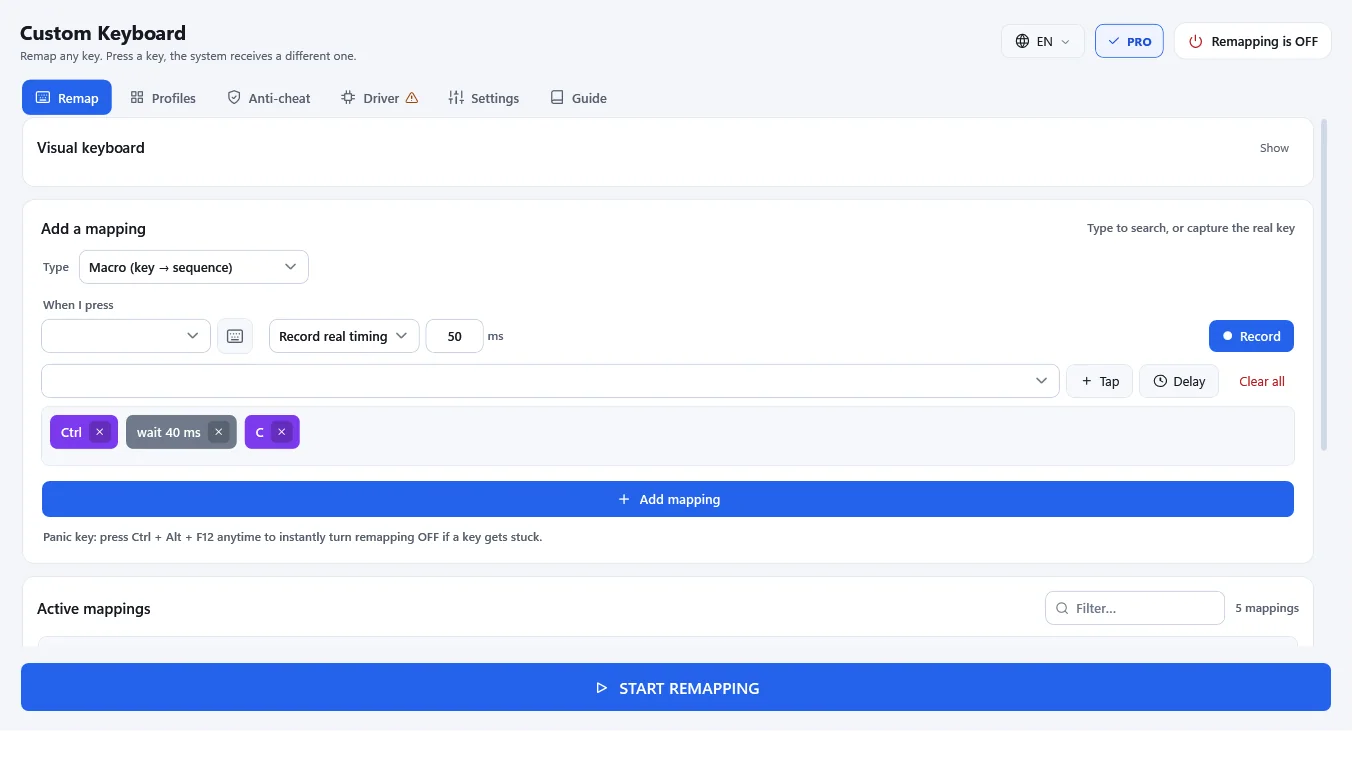
- Macros: one key sends a sequence of keystrokes with custom delays
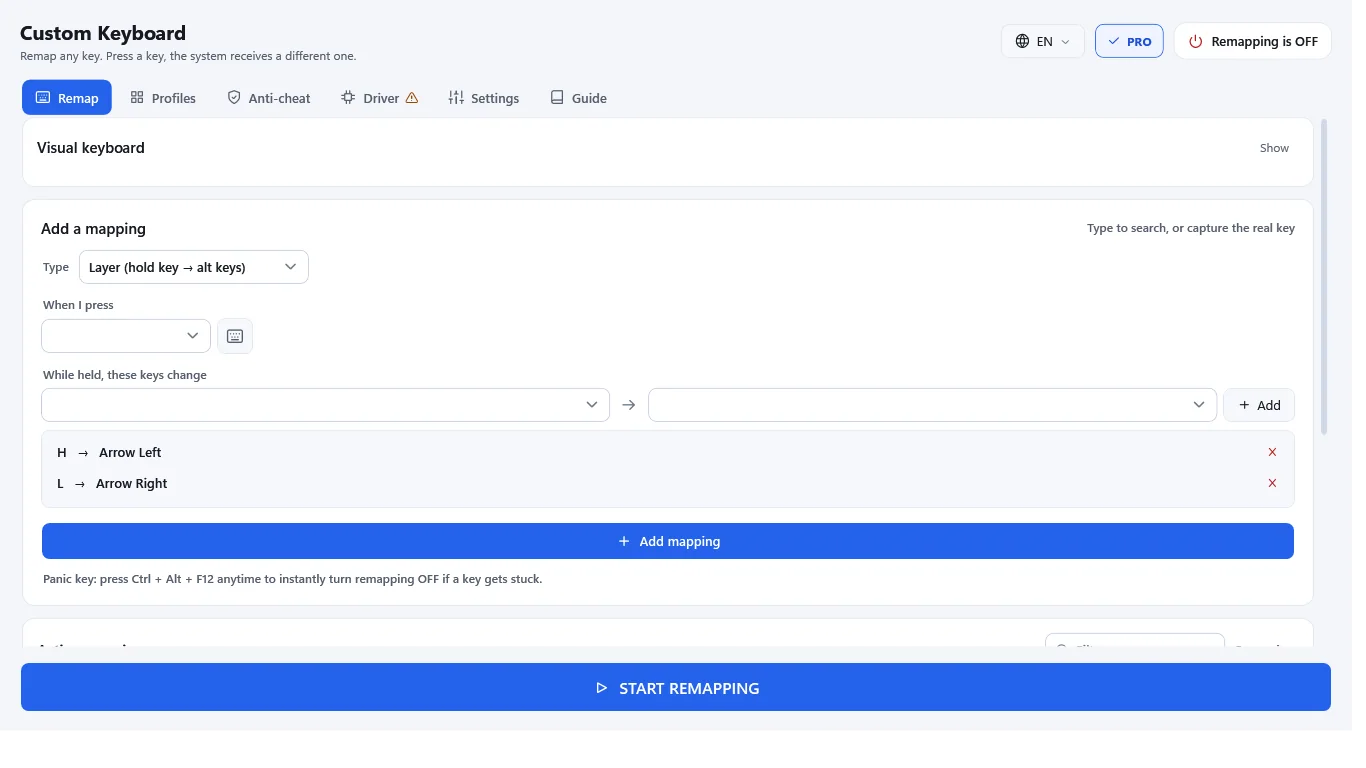
- QMK-style layers: hold a key to unlock an alternate layout
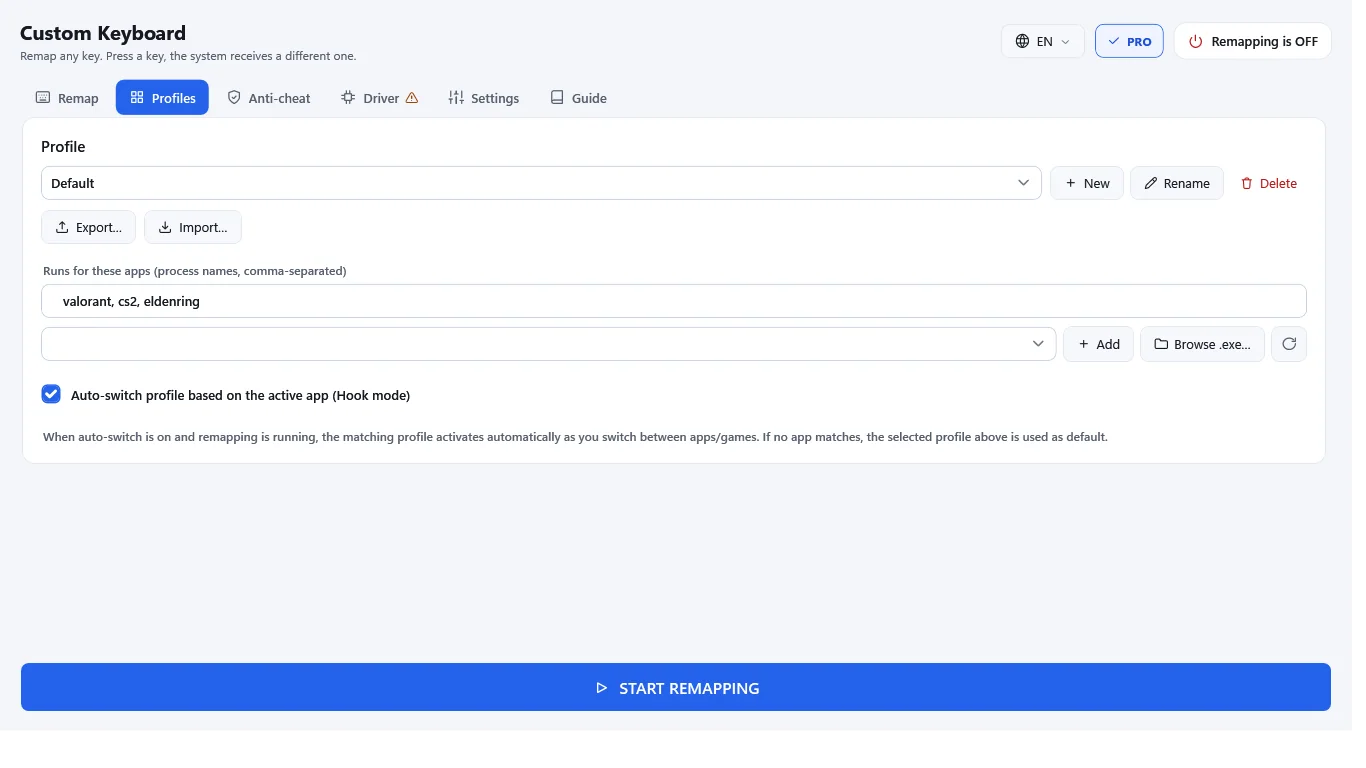
- Per-app profiles that switch automatically with the active window
- Unlimited profiles, plus profile import
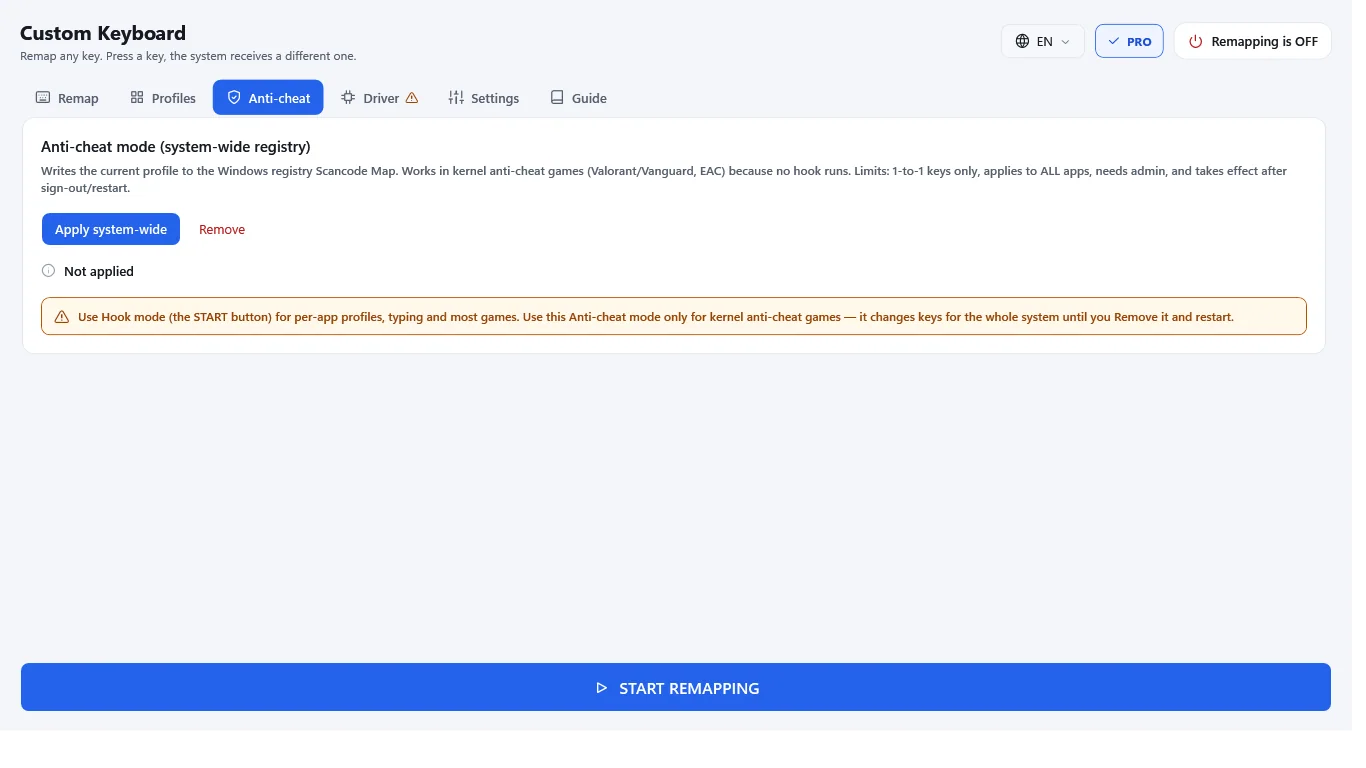
- Anti-cheat mode: system-wide remapping with no hook running, for games like Vanguard and EAC titles
- Driver mode for games a normal hook cannot reach
One-time purchase, not a subscription. The free version stays free.
FAQ
Is Custom Keyboard really free?
Yes. Remapping and disabling keys, the visual keyboard, tray mode, the panic key and profile export are free. Pro is an optional one-time purchase of 4.99 USD, not a subscription.
Is this key remapper safe? Does it log my keystrokes?
It uses a keyboard hook only to remap keys on your PC. Nothing you type is stored, sent or shared. There are no ads, accounts or analytics. Settings stay in a local folder.
How do I remap Caps Lock to Esc on Windows?
Open the app, click Caps Lock on the visual keyboard, choose Esc as its new function, and you're done. The remap stays on after restarts because the app starts with Windows.
Can I disable the Windows key while gaming?
Yes. Click the Windows key and set it to disabled. It's part of the free version. You can turn all remapping off at any time with Ctrl+Alt+F12.
Does it work in games with anti-cheat?
Free mode uses a hook, which works for typing and most games. Pro adds anti-cheat mode, which writes the Windows scancode map so no hook runs. It asks for UAC approval and needs a restart.
What do I need to run it?
A Windows PC and the Microsoft Store. It's a desktop app and needs no account. The optional driver mode downloads one verified file from github.com, only if you click to install it.
Get Custom Keyboard from the Microsoft Store